Rev Ops
Billing
Send invoices, take payments, and manage purchase orders — everything you need to get paid.
Invoices
Create and send invoices to your customers. Add line items, set what's due, and send the invoice off — then keep an eye on which ones are outstanding, paid, or overdue.
- Open Billing from the left sidebar.
- Choose New invoice and add the line items you're charging for.
- Set the due date and any terms.
- Send the invoice to your customer.
app.clientt.com/billing
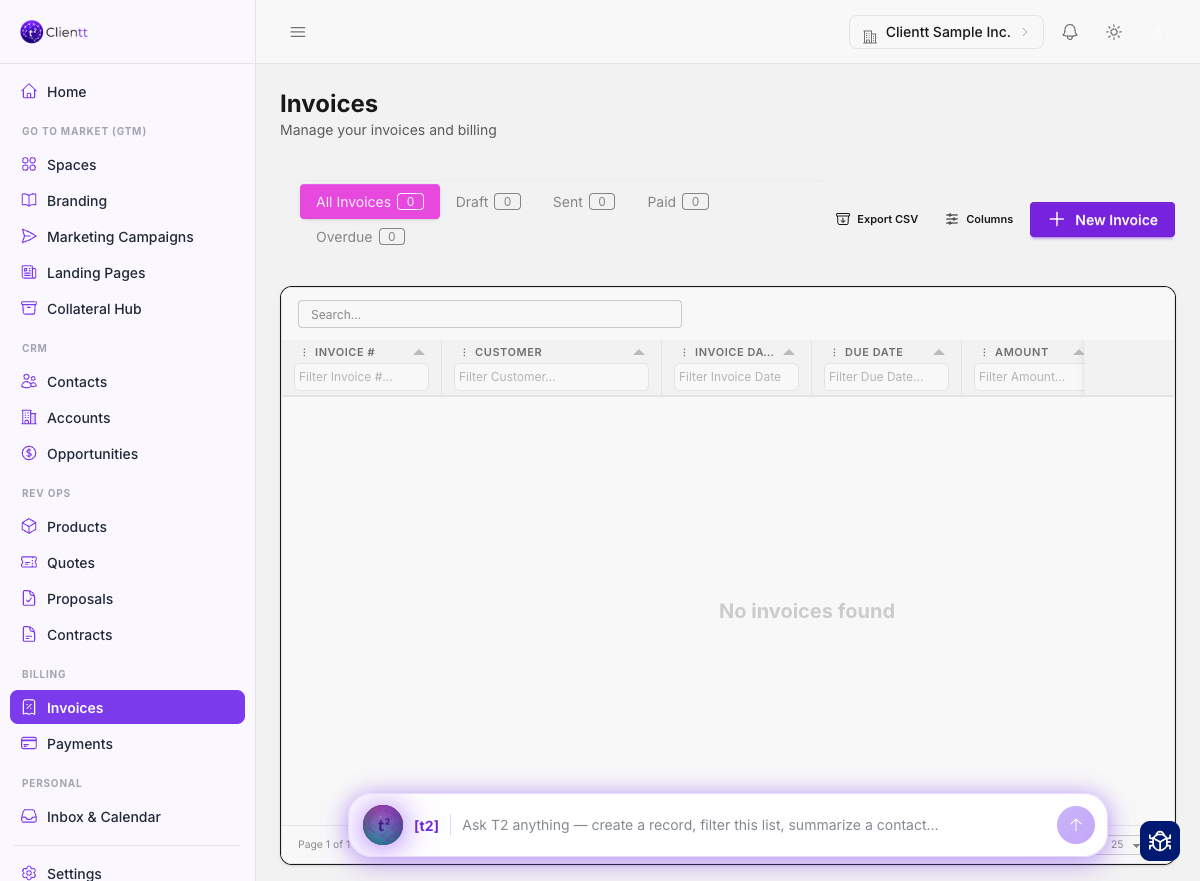
The Billing area, where you create invoices and track what's been paid.
Payments
Track payments against your invoices so you always know what's been settled and what's still owed. As payments come in, they're matched to the right invoice and your balances stay up to date.
Note — How billing behaves — tax, revenue recognition, and bank accounts — is configured in Settings.
Purchase orders
Record and manage purchase orders so the paperwork behind a deal stays organized. Keep POs alongside the invoices they relate to and reference them whenever you need to.