Rev Ops
Quotes, Proposals & Contracts
Everything you need to price a deal and get it signed — your product catalog, quotes, proposals, and contracts, all in one place.
Products
Products are a catalog of what you sell. Keep your offerings, descriptions, and prices here so every quote and proposal pulls from the same source of truth. When you price a deal, you pick from this catalog instead of retyping the details each time.
Quotes
Build a quote by adding products, quantities, and discounts. Preview it exactly as your customer will see it, then export it as a PDF to share. A quote is the fastest way to put a price in front of someone without assembling a full proposal.
Proposals
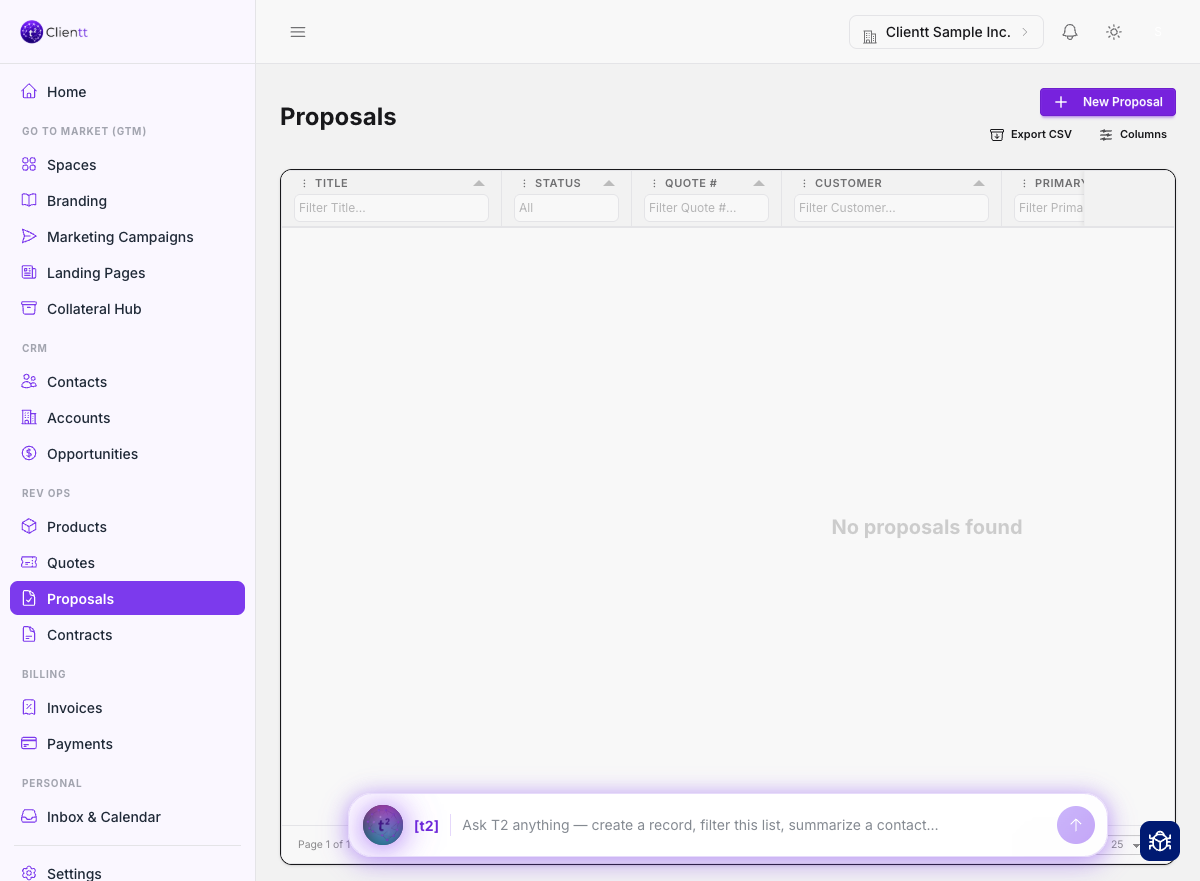
Proposals are richer documents you assemble from reusable sections — cover pages, scope, pricing, terms, and more. Once it's ready, send it to a prospect and they'll review, and accept, it through the Customer Portal.
- Open Proposals from the left sidebar and choose New proposal.
- Add and arrange the reusable sections you want the prospect to see.
- Drop in pricing pulled from your product catalog.
- Attach one-pagers, videos, and other documents from the Collateral Hub.
- Preview the proposal, then send it to your prospect, or share a secure link to it.
Sharing and signing
You can send a proposal straight to your prospect by email, or copy a secure share link and send it yourself — either way they open the same document. From that shared page your prospect can ask for Customer Portal access. The invitation always goes to the contact you put on the proposal — so if the link gets forwarded, nobody else can get access through it. When they're ready, they sign it in the app — they type their name and the signature is captured on the document.
Contracts
Upload and manage your contracts alongside the templates you reuse for them. Keep signed agreements organized and start new ones from a template so your terms stay consistent from deal to deal.