Personal
Inbox, Calendar & Tasks
Your day-to-day workspace — email, calendar, tasks, and approvals in one place, so you can run your work without leaving Clientt.
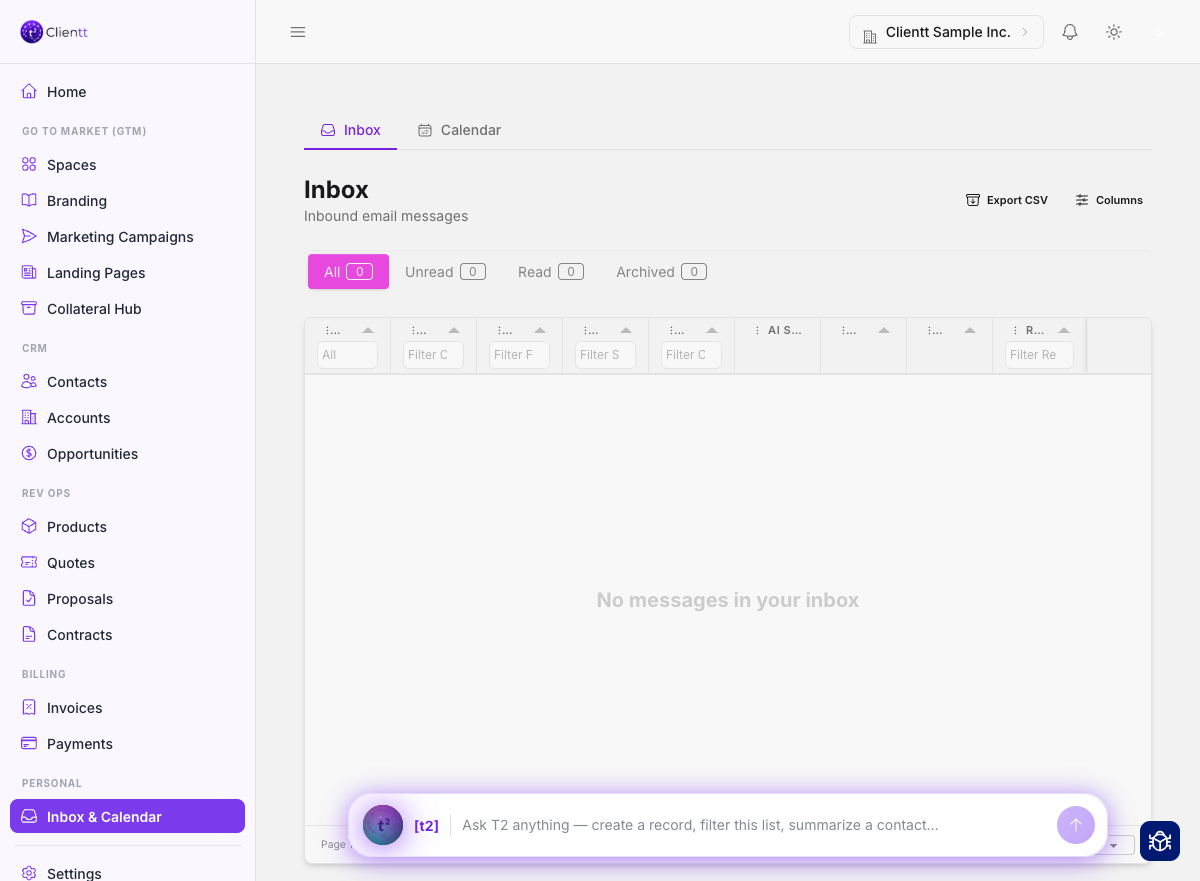
Inbox
Connect your Gmail or Outlook and read your email right inside Clientt. Your threads sit next to the contacts they belong to, and the AI assistant helps you triage what matters so nothing important slips through.
Everything lands in one place — your connected mailboxes and mail sent from Clientt, matched to the right contact. Mail stays yours by default; if you want a colleague to see a mailbox, you share it deliberately.
Calendar
Manage your availability and send meeting invitations without switching apps. Keep your schedule in view and set up meetings with the people you're already working with.
Tasks
Capture your to-dos so nothing falls off your plate. A quick-add drawer lets you jot down a task in a moment and get back to what you were doing.
- Open the quick-add drawer from anywhere to capture a task.
- Give it a title and, if you like, a due date.
- Save it and keep working — it's waiting for you in your task list.
Approvals
Approvals are a queue of items routed to you for a decision. Review each one and approve it so work can move forward, all from a single place.