Admin
Customer Portal
A branded portal where your clients sign in to work with you — a single place for them to review documents, pay, and get support.
What your clients see
Once they sign in, your clients get a space that's built for working with you. From the portal they can:
- View the proposals, quotes, and invoices you've shared with them.
- Make payments against their invoices.
- Submit and track support tickets.
- Read knowledge-base articles to find answers on their own.
- Manage their profile and account details.
Tip — The proposals you send from CPQ show up here automatically, so the client can review and accept them in the same place they handle everything else.
Managing the portal
app.clientt.com/portal-management/accounts
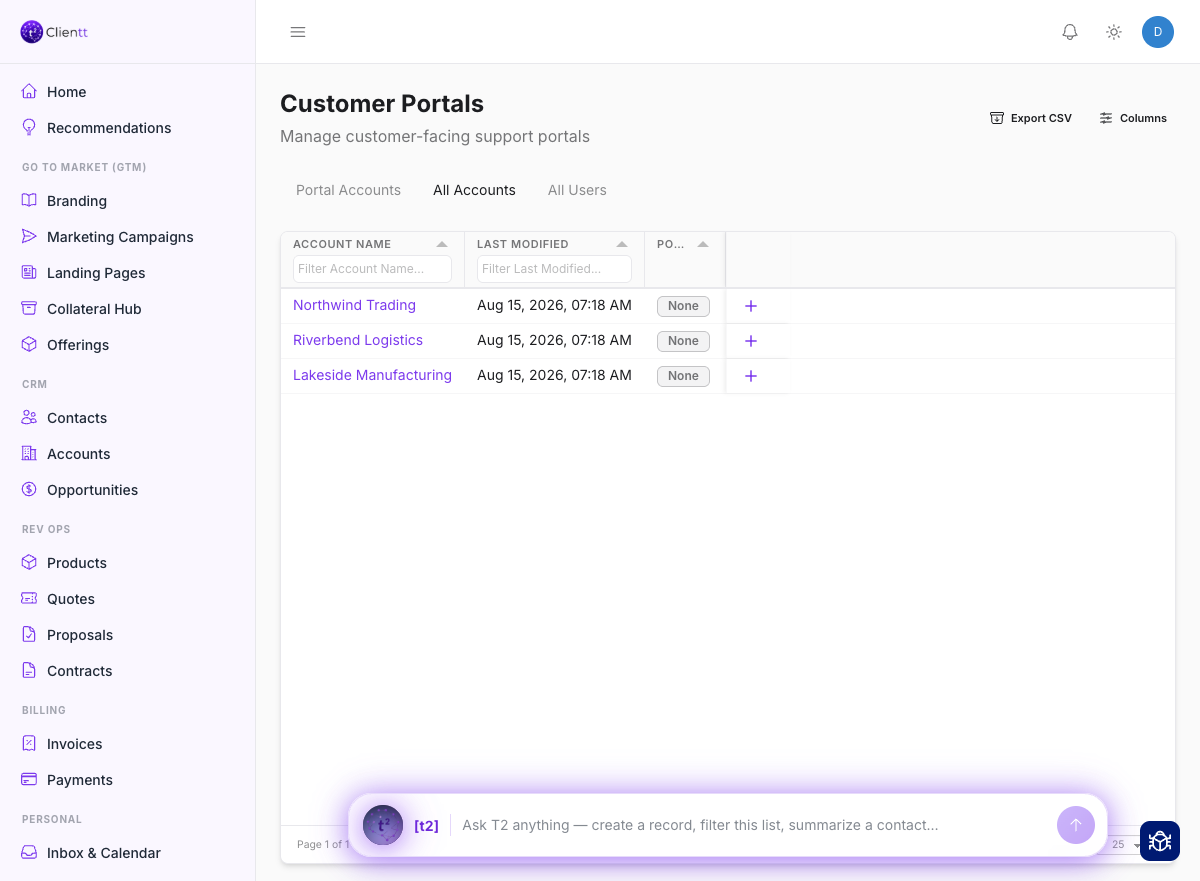
Your side of the portal: every customer account, and the switch that turns their access on.
You provision and configure the portal from Portal Management. That's where you set up client accounts, add the users who can sign in, and adjust the portal's settings to fit how you work with each client.
- Open Portal Management to get started.
- Create a client account and add the users who should have access.
- Adjust the portal settings so clients see what you want them to.
- Share proposals, quotes, and invoices — they appear in the client's portal.