Marketing
Campaigns
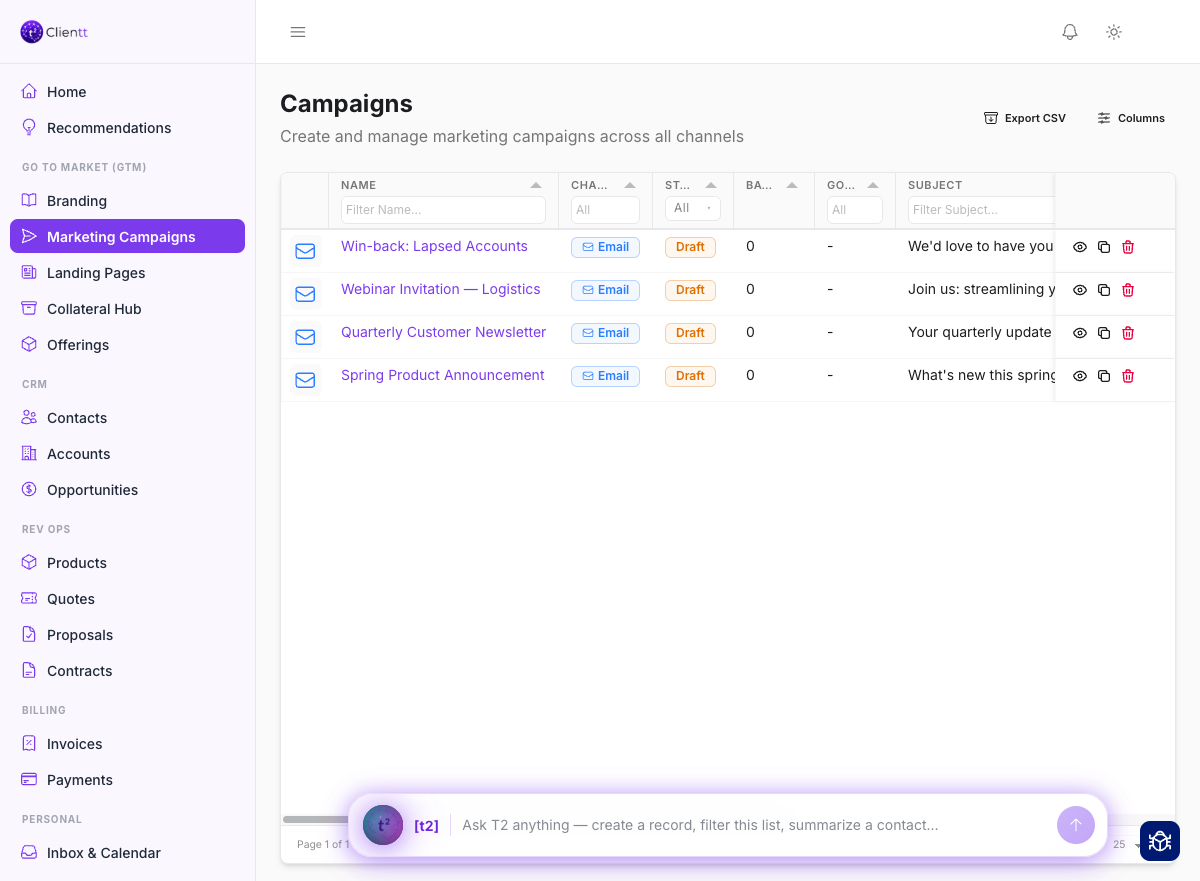
Campaigns let you build and send email marketing to the right people, then measure how they perform. Pick who you want to reach, design the message, and follow the results.
Building a campaign
Start by choosing your audience — segment your contacts so each campaign reaches exactly the people you have in mind. Then design the email in the content builder, where you lay out the message with reusable blocks and assets. You can also kick off a new campaign just by asking the T2 assistant.
- Open Campaigns from the left sidebar, or ask the T2 assistant to start a new campaign.
- Segment your contacts to build the audience you want to reach.
- Design the email in the content builder.
- Split the send into batches and schedule when each one goes out.
- Send yourself a test, then send the campaign for real.
Batches & scheduling
You don't have to send to everyone at once. Break a campaign into batches and schedule when each batch goes out, so you can pace your sends and pick the best time to land in each person's inbox.
Test sends
Before the real thing, send yourself a test so you can see exactly what your recipients will get. Check the layout, the wording, and every link, then make any final edits before the campaign goes out.
Analytics
Once a campaign is on its way, track how it's doing right from the campaign. See opens and clicks per campaign so you know what's landing and what to try differently next time.